
 NL
NL DE
DE FR
FR PL
PL DA
DA SV
SV AR
AR IT
IT TR
TR ES
ES PT
PT 01
011. Prepare the collection
How this step works
Import supplier product data and complete dimensions, materials, photos and available variants. Link images and specifications to the right furniture item.
 Book a personal demo
An interior business orders one oak dining table, 240 cm long, and six chairs with green upholstery.
 01
01Import supplier product data and complete dimensions, materials, photos and available variants. Link images and specifications to the right furniture item.
 02
02Record the table size and chair upholstery. Check that the combination is available. Configure options and pricing rules before using a configurable product in a quote.
03Use the customer's price agreements and document the chosen items, quantities and delivery terms. Review changes to materials or dimensions before confirming the quote.
 04
04After acceptance, process the order and check available stock per variant. Link missing chairs to purchasing and confirm the expected delivery with the customer.
 05
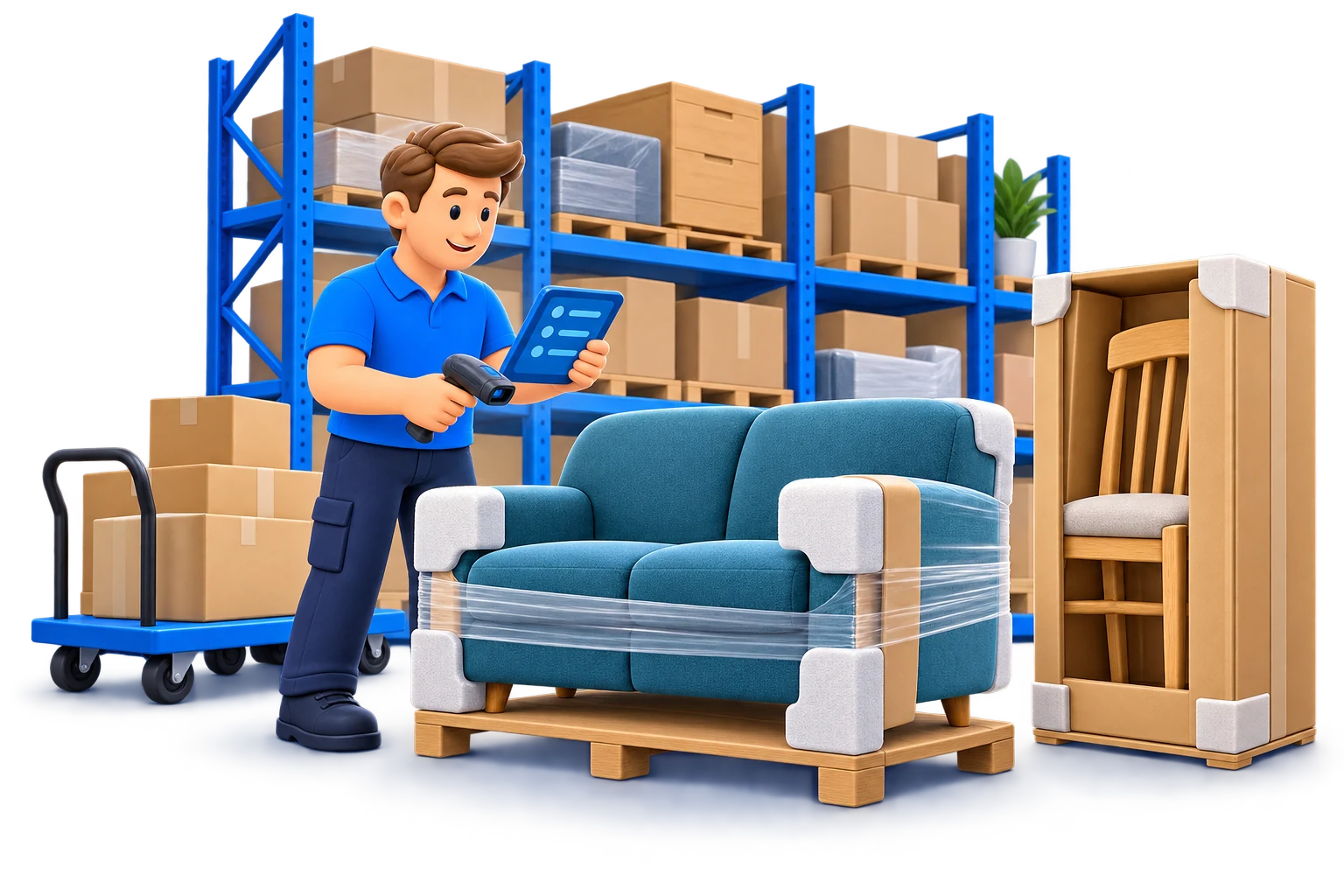
05Check quantities and finishes at receipt, record locations and collect the items for the order. Give damage or mismatched upholstery a follow-up action before packing.
 06
06Record pallets or parcels and connect shipping and invoicing to the order. Agree transport for large furniture. Keep partial deliveries and returns linked to the customer order.
Review the variant, price and availability before updating the agreement.
Agree whether to wait or deliver partially; keep the remaining demand visible.
Record condition and reason, then decide the stock or replacement action.
AI supports your team's tasks within each module. Your employees review the output and remain responsible for specifications, prices and customer agreements.
Show us how you work today. We discuss your product data, customers and logistics and identify the Corenio configuration that fits your processes.
Discuss your businessConfiguration and available integrations are discussed for your business.


