
 NL
NL DE
DE FR
FR PL
PL DA
DA SV
SV AR
AR IT
IT TR
TRMake informed purchasing decisions
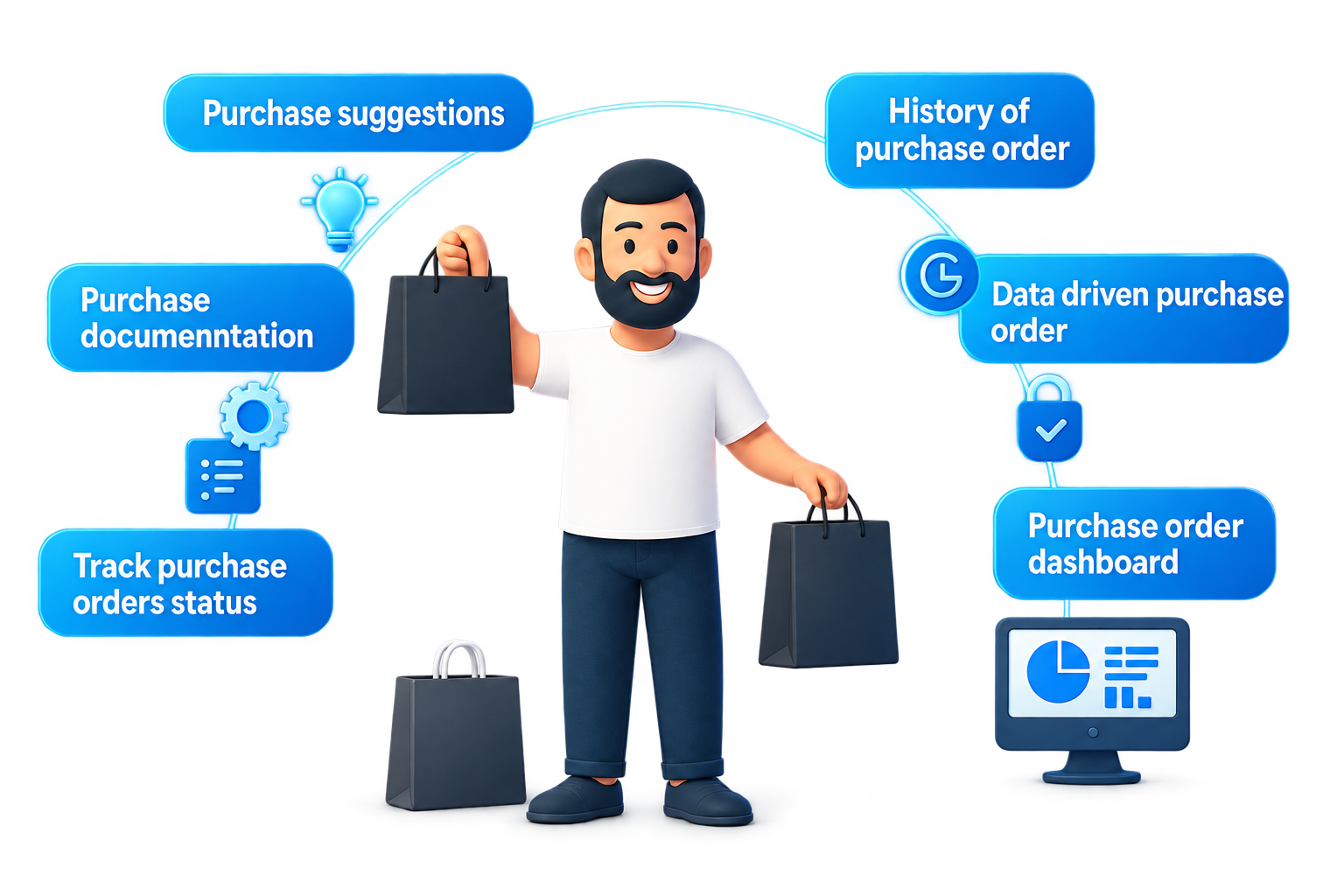
Use reorder levels, minimum quantities, pack sizes and sales history in your purchasing suggestions.
 Book a personal demo
Bring suppliers, purchase orders and stock needs together. Connect what you order to what the warehouse receives.
Base your purchasing on sales and stock.
See how this worksSales and stock show which products need attention.
Review stock needs and choose which items to purchase. Configure replenishment around your business process.
A concrete starting point for purchasing.
You know which items to replenish.
Manage your supplier and record the purchase order with the relevant products and quantities. Keep agreements linked to the order.
A clear purchase order for your team and supplier.
The supplier prepares the delivery.
Coordinate expected receipt with the warehouse. In the batch workflow, link purchase orders to a scheduled delivery.
The warehouse knows which goods to expect.
Items arrive and are checked.
Process received products in the warehouse workflow and connect the goods flow to stock and customer orders.
Purchasing and logistics continue using the same information.
From reordering to receiving: purchasing fits your customers’ demand.
You order a range of products from a supplier. The purchase order forms the basis for the expected delivery. On receipt, the warehouse processes the items so sales can move forward.
Use reorder levels, minimum quantities, pack sizes and sales history in your purchasing suggestions.
Scan goods into a location or container. Work together on deliveries and connect new stock to backorders.
AI is integrated into the purchasing module. In a demo, we discuss the support that fits your workflow and available data.
Explore the approachThe purchasing module offers API access. Discuss connecting your supplier environment or other business systems to your purchasing process.
Explore the possibilitiesBring your own process. We’ll help plan the setup.