
 NL
NL DE
DE FR
FR PL
PL DA
DA SV
SV AR
AR IT
IT TR
TRAI within this process
AI is integrated into WMS and shipping. We tailor support to your warehouse and shipping processes and demonstrate the use cases in a demo.
Explore the approach Book a personal demo
Connect stock, locations, picking, packing and shipping. See what arrives, where it is stored and what goes to the customer.
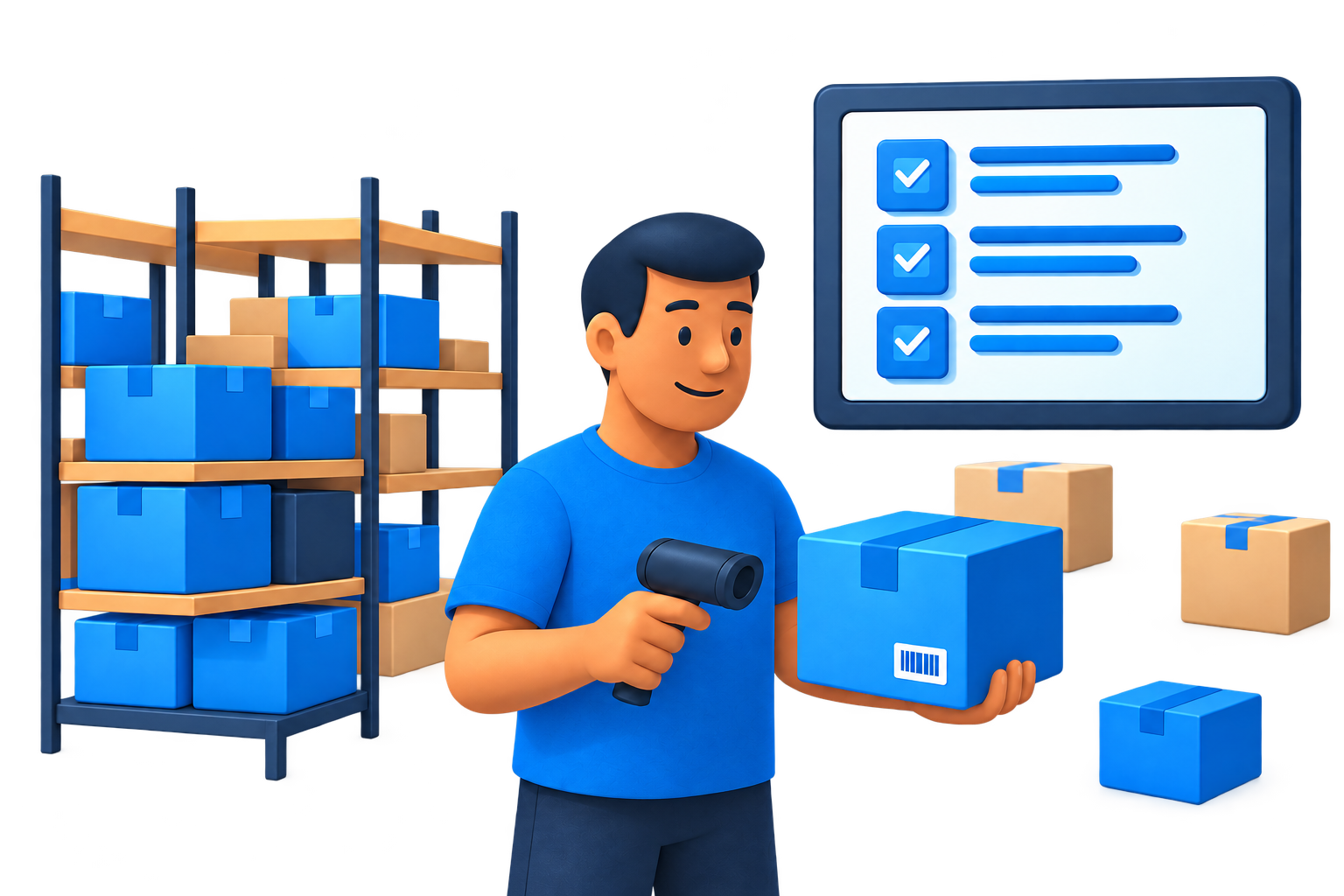
Prepare receiving with the right purchase orders.
See how this works



Purchase orders show which items are on their way.
Plan receiving and link the relevant purchase orders to the delivery. The automotive batch workflow can also include delivery date, dock and transport.
A prepared receiving slot for the warehouse.
The delivery is ready to process.
Process and scan received products. Use stock locations and, where configured, batch labels and handling units to track the goods.
Visibility into received items and their place in operations.
Available goods need to be picked for a customer order.
Pick products using your configured picking process. In the batch workflow, goods can be grouped by customer in an assigned lane.
Products ready for the next packing step.
Goods are picked and ready to leave.
Process the order at the packing station, choose packaging and record relevant dimensions. Use the shipping module for labels and shipments with connected carriers.
The shipment aligns with the order and logistics records.
Your team knows what arrives, where it is and what needs to go to the customer.
In an automotive batch delivery, incoming parts are scanned and grouped by customer. Goods are then placed in a customer lane, packed and prepared for shipping. We adapt this setup to your warehouse.
AI is integrated into WMS and shipping. We tailor support to your warehouse and shipping processes and demonstrate the use cases in a demo.
Explore the approachWMS and shipping offer API access. Discuss connecting your own application or an external logistics environment to the relevant modules.
Explore the possibilitiesMake shipping part of the same workflow, from a warehouse order to a parcel your customer can track.
View all integrationsDHLPostNLDPDGLS Royal Mail
 Cirro
CirroBring your own process. We’ll help plan the setup.
Mobile picking, packing, invoicing and shipping. Explore the WMS app
Connect counter sales to orders, customers and stock. Explore the POS
See the specific features of each module. Explore all modules