NL
 DE
 FR
 PL
 DA
 SV
 AR
 IT
 TR
 ES
 PT
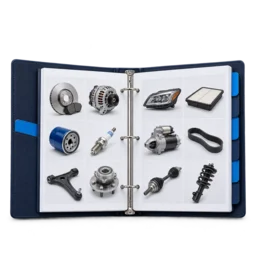
Your own catalogue
Bring together part numbers, OE references, specifications and vehicle applications.
 Try now for free
Connect donor vehicles, parts data, photos and warehouse locations to your own webshop. Stay in control when selling through multiple channels.
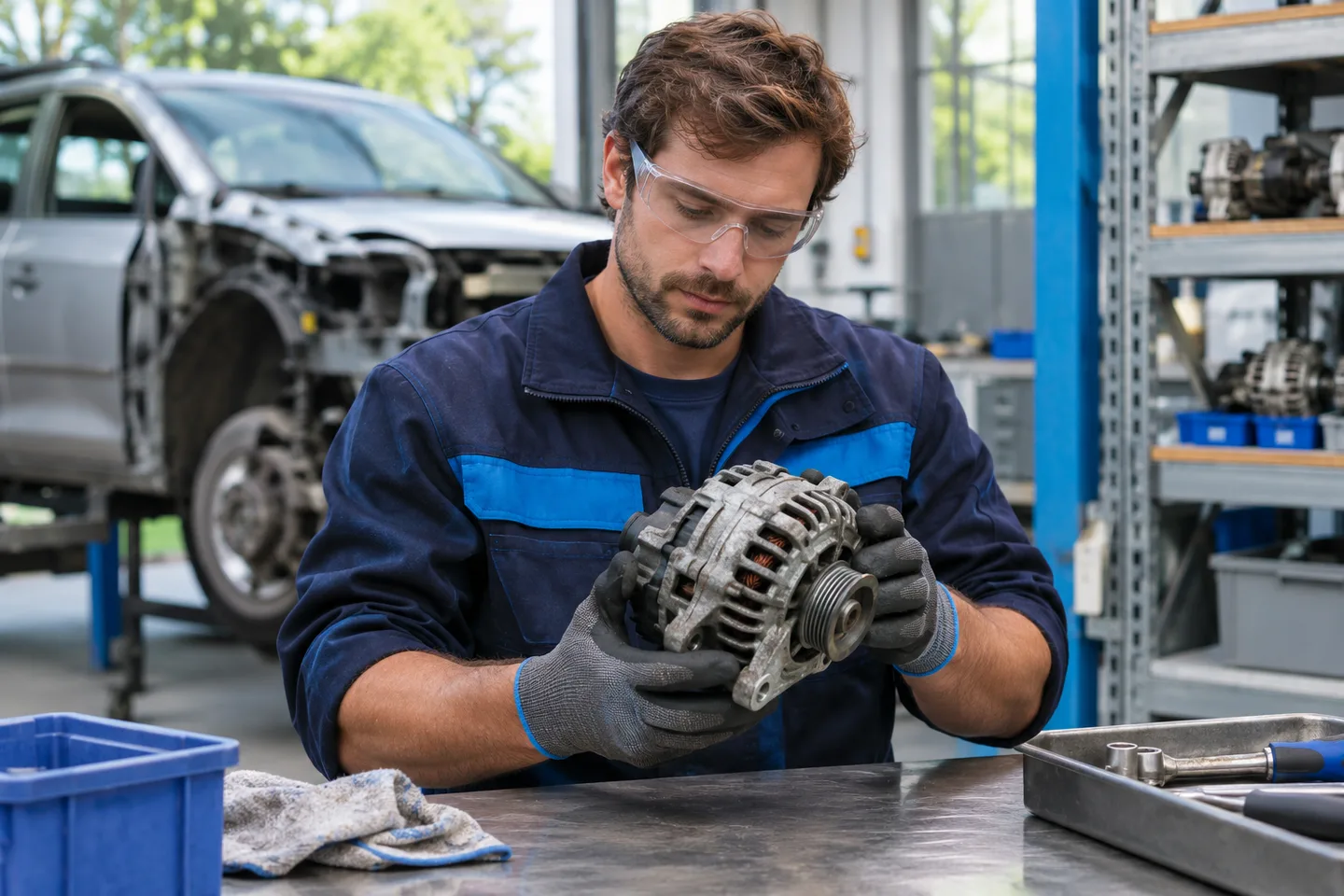
A complete sales environment and the system behind it.
Bring together part numbers, OE references, specifications and vehicle applications.
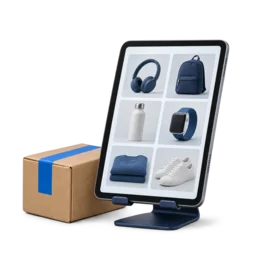
Let garages and consumers order with the right prices and available stock.
Use the same data for stock, purchasing, orders and shipping.
An illustrative process: from parts data to an order in your own system.
01Record the donor vehicle, condition, photos and references for each individual part.
 02
Assign the item to a warehouse location and track its availability.
03Show your own photos and the part’s condition in your webshop, with the correct selling price.
04Process the order through to shipping using the same parts data.
Start with a catalogue and webshop. Use more of the platform as your business needs it.
Keep damage, wear, test information and warranty terms with the item. Support returns with a reason, photos and the original order.
Use pricing rules, condition and stock as context for your sales price. Apply margin limits and bulk updates to keep your range manageable.
Search by part data, OE references and vehicle attributes. VIN and registration-plate search depend on the connected data source and available coverage.
Connect your own webshop, eBay or Marktplaats to stock and orders. Use EDI/API for additional systems and discuss the availability of a specific integration.
For KUMAsoft, Autonet and most other systems, we already have a migration button. It lets you transfer your data to Corenio easily.
 Autonet · Automate
 KUMAsoft
 4SELLERS
We review your current software, available exports and required integrations.
Start with a defined product range and an ordering environment for your customers.
Add purchasing, extra sales channels and further processes when the time is right.
A selection of our customers in the parts industry. Explore their websites and webshops.




Active across Europe
A one-time setup and a monthly licence. The required data, integrations and migration determine the scope. You receive a proposal upfront stating what is and is not included.
View packagesWe investigate this first. An integration depends on available APIs, exports, permissions and the data you want to exchange.
Coverage and suitability depend on your range. We check your brands, references and data requirements before making any commitments.
We discuss your preferred channels and check the technical possibilities and conditions for each platform.
Connect your sales channels, product data and daily processes. We tailor the available features and setup of each integration to your business.
 Ovoko
 B-Parts
 Onderdelenlijn
 eBay
 TecDoc
Record vehicle attributes and available identifiers such as make, model, variant, VIN and registration plate. Keep the vehicle history linked to the parts removed.
Work from dismantling orders. Give the part its own item identity and record photos, condition, visible numbers and test information.
Specify which cars the part fits and add relevant OE references. The donor vehicle and the compatible-vehicle list each serve a different purpose.
Add available external product and vehicle data to your own records. Verify suggested links, variant and specifications before publishing the item.
Link the item to a storage location. Use barcode or RFID scanning in the configured workflow to record receiving, transfers, picking and packing.
Offer the part in your own webshop and connected marketplaces. Process reservations, quotes, orders and shipping from the same item data.
Manage which vehicles a part fits and which OE numbers belong to it. Enrich that information where available with TecDoc, Partly or other connected data sources. Your own catalogue remains where your team brings the information together.
Available vehicle data and search options depend on your data source, coverage and licence. Check vehicle variant and technical specifications before confirming fitment.
Which car was the part removed from?
For which models and variants has fitment been checked?
Which original numbers relate to the part and its application?
Tell us which software you use and what you want to improve. We show the relevant features and agree on a practical first step together.
Try now for free